
Selecting a medical alert system may seem perplexing, especially if the safety of yourself or someone close to you is on the line. When you live by yourself or have elderly family members, you require fast assistance in the event of falls or any other kind of medical emergency, but being able to reach a telephone might not always be feasible.
In addition to protecting you, a medical alert system will allow you to remain independent and carry out your activities without any problems. There are some differences between the devices in terms of their features and service options, which make comparison necessary.
Here are five practical ways to evaluate medical alert devices and find one that suits your needs and lifestyle.
1. Match Device Type to Your Daily Routine
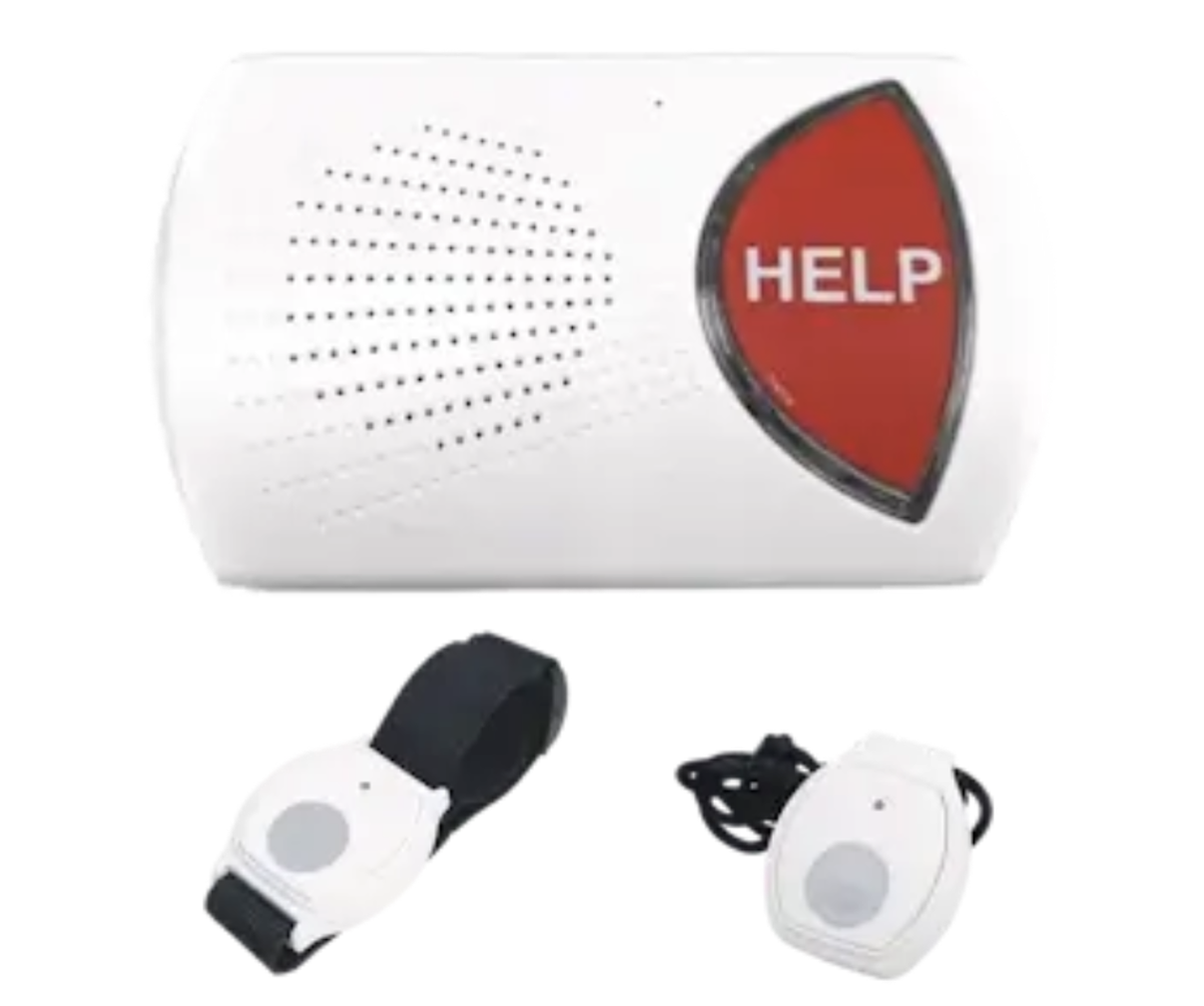
Consider where you spend most of your time. A medical alert system that operates in the home might be right for you if you live alone and do not need to get out much. It typically includes a base system and a pendant that can be worn around the neck. The emergency button connects you to a monitoring center when help is needed.
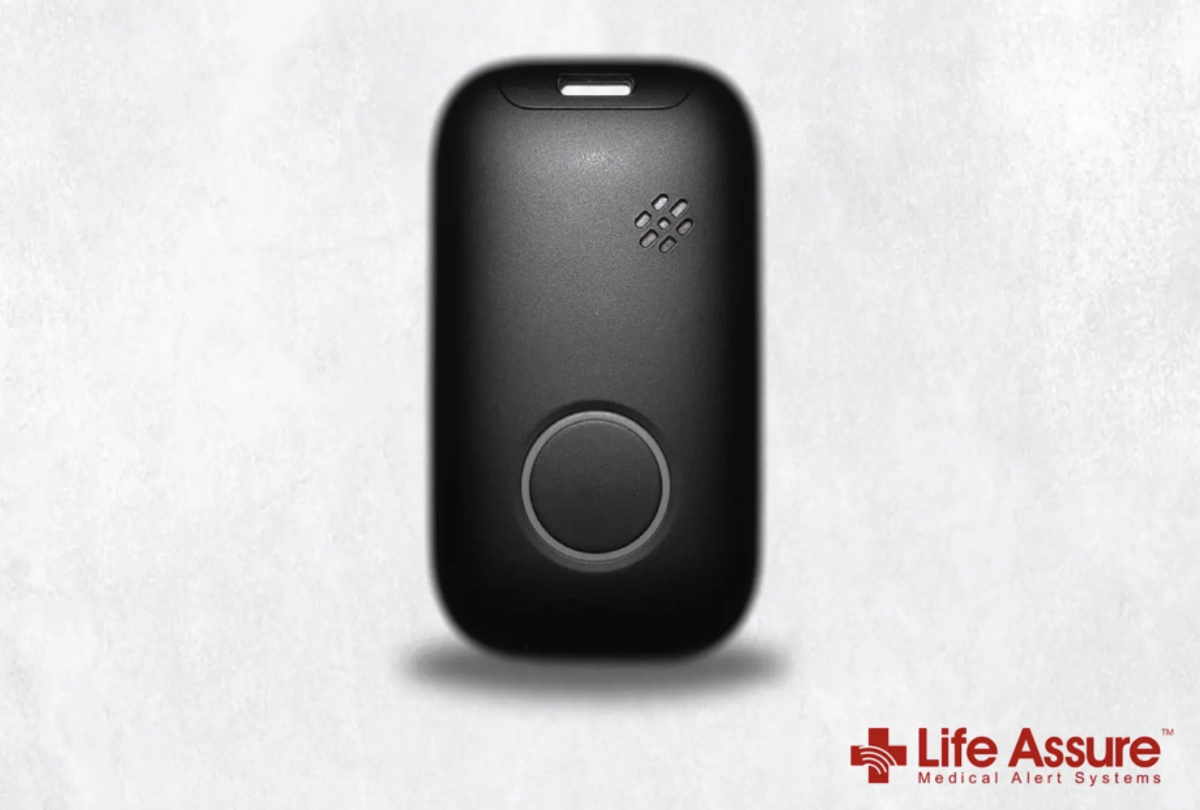
However, if you enjoy walking, shopping, or visiting family, a mobile medical alert device may offer greater flexibility. In an emergency, you can contact monitoring experts through its cellular connection, while GPS tracking helps determine your location.
Compare both options before deciding. This guide to the best medical alert device for seniors can help you get started. Choose a system that fits your daily routine and activities. A suitable device should make it easier to get help at home and wherever your daily activities take you.
2. Check Fall Detection Accuracy and Support
Fall detection can help if you have balance concerns or spend long periods alone. Accelerometers and gyroscopes are devices that could be used in wearable systems to detect orientation and movement. The software then detects patterns in these signals that could indicate a fall and can sound an alarm automatically.
However, fall detection technology has limitations. False alarms can be triggered by sudden activity during normal routines, and some falls may not be detected. Accuracy can depend on sensor quality, detection methods, and how you wear the device. Therefore, these restrictions are important to keep in mind so you can have realistic expectations.
Ask if there is an additional cost for fall detection and what it does in the event of a fall. Also, check whether you can still press the help button manually. Automatic detection provides additional protection, but cannot ensure that all falls will be detected.
3. Evaluate Emergency Response and Communication
Check for two-way voice communication, which allows you to talk to a trained specialist. Clear sound matters because you may feel shaken after a fall. Therefore, test the speaker and microphone in the location where they will be used.
Ask what happens after you press the emergency button. A specialist will normally attempt to speak with you, evaluate the situation, and, if necessary, alert emergency services and/or your designated contacts. Also, ensure that monitoring is available and active around the clock. Inquire about how the team handles unanswered calls and whether you can share your location through mobile devices.
Maintain an up-to-date emergency contact list so the monitoring team can reach the right people when needed. If you have hearing or speech needs, discuss them with the provider before you subscribe. When seeking assistance, a suitable system should make communication easier.
4. Compare Battery Life and Device Comfort
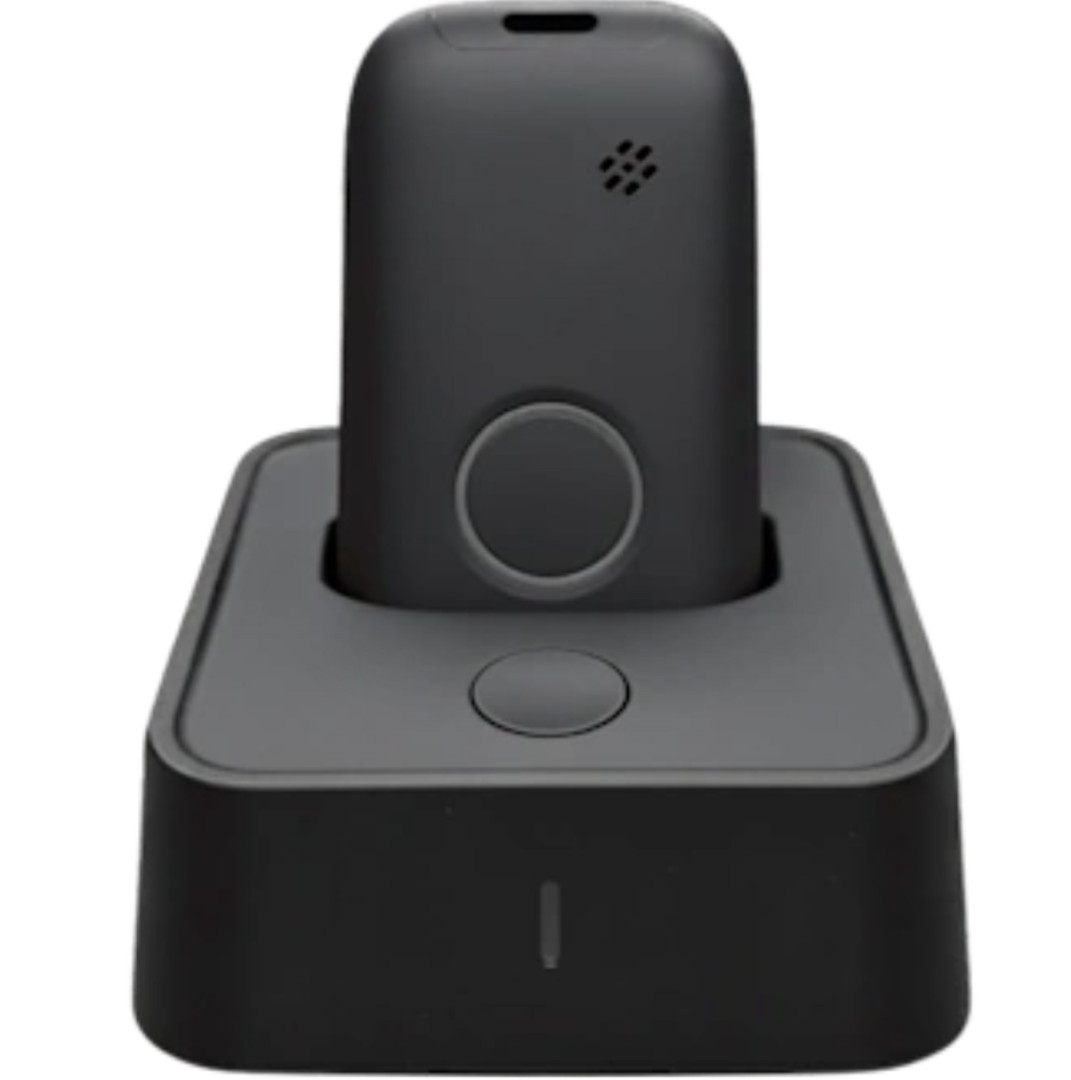
Discuss the duration of the battery life on a full charge and the frequency of recharges. Your home system, if equipped with backup power, may run for a short amount of time during a power failure. Similarly, battery life on mobile devices will decline over time, and GPS and cellular activity can also affect battery life.
Comfort and familiarity are important because you may choose to wear a pendant or wrist device for the entire day. Therefore, focus on a lightweight design, easy controls, and a secure fit. Water resistance is useful if you want to wear the device in the shower. However, check the manufacturer's guidance before swimming.
In addition to all of the above, take into account the battery features of the devices relative to your daily activities. Certain home devices have battery backup capabilities of up to 80 hours and a base unit range of up to 600 feet. In contrast, cell phones offer battery life of up to 48 hours along with GPS tracking and cellular capabilities.
5. Review Pricing, Coverage, and Service Terms
Monthly fees are only part of the total cost. Ask whether the provider charges for equipment, activation, shipping, or optional features. Fall detection may require an extra monthly payment. Find out whether monitoring and cellular service are included. Request a cost breakdown before you sign up.
Coverage matters, too. An in-home system may work only within a set distance from its base unit. A mobile device depends on cellular networks, so ask whether coverage includes the places you visit. If you travel, confirm whether the service works outside your home area.
Read the service agreement, cancellation policy, and return terms. Check for contracts, trial periods, equipment replacement rules, and customer support hours. Ask how the provider handles device faults or false alarms. Choose a provider that explains its terms clearly.
Conclusion
Choosing a medical alert device takes more than comparing prices or selecting the system with the most features. Consider where you spend your time, whether fall detection suits your needs, how monitoring specialists respond, and whether battery life, comfort, and coverage fit your routine. Before committing, please also read the full fee details and service terms.
To make your choice easier, make a list of the features that are most important, compare home and mobile options, and directly ask providers specific questions. Test the device if possible. It should provide the ease and independence you need while offering assistance when needed.