
A phone left on silent can turn a normal afternoon into a long wait for help. A slip near the stairs can feel minor at first, then become a real problem. These moments are common, and they are not dramatic until they are.
That is why safety tech has moved from “nice to have” into daily life for many families. A good setup can support independence, while keeping routines familiar and calm. The right tools also help caregivers relax, because they reduce guesswork and missed checkiins.
What Safety Tech Can Do Well, And Where It Struggles
Most safety tech falls into three buckets, awareness, communication, and response. Awareness covers movement, location, and patterns that suggest trouble. Communication covers quick contact, even when hands are shaky or stressed. Response covers what happens after an alert, and how fast help arrives.
The common mistake is buying features, then hoping they fit real life. Some people want discreet tools that do not feel medical or loud. Others want a louder approach that reduces risk, even if it is obvious. The right choice depends on routines, mobility, and comfort with devices.
A practical starting point is to map the day in plain terms. Think about mornings, errands, and quiet evenings at home. Then think about the points where something could go wrong, and what help would look like. This keeps the conversation grounded, and it avoids fear based shopping.
Location And Check Ins Without Making It A Big Deal
Location features can help when someone is out walking, shopping, or visiting friends. They matter most when a person might get disoriented, or when a health event could limit speech. They also help when a caregiver lives farther away, and cannot do quick drop ins.
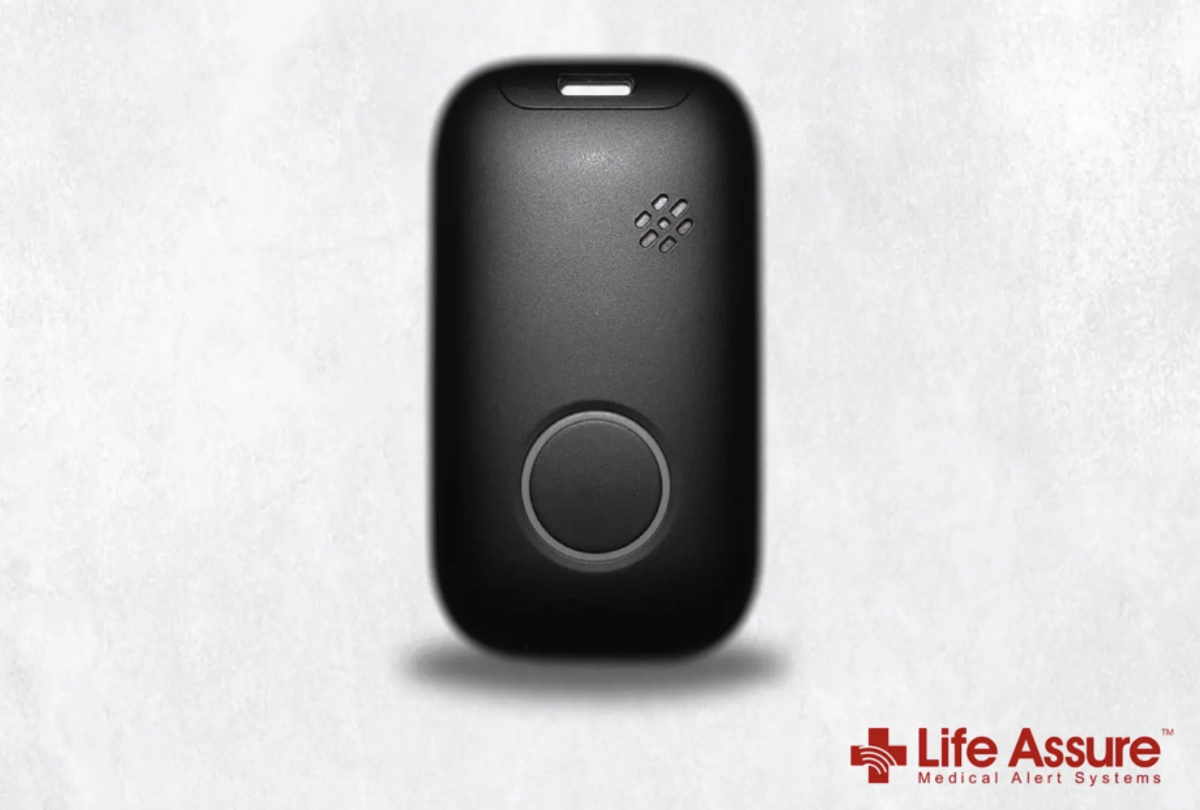
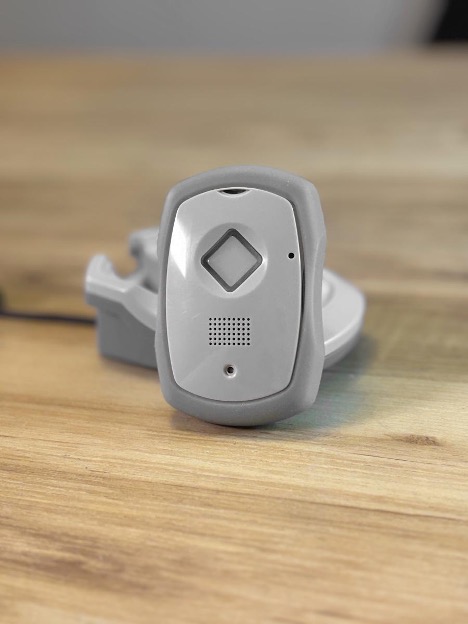
A mobile medical alert device often combines location and communication in one small unit. When it includes a gps tracker for seniors, it can support everyday trips without changing someone’s habits. The best setups keep the focus on normal life, not on constant monitoring.
It helps to talk about location sharing as a tool with clear boundaries. Many families set “only when needed” rules, rather than constant checking. Some devices allow zones, such as home, park, or a weekly route. That gives peace of mind, without turning family life into a dashboard.
If you want a softer entry point, start with wellbeing content that frames ageing as active, not fragile. Pieces gathered under a wellbeing hub can help shape tone and language early on, before tech enters the chat.
Fall Risk, Faster Response, And What Actually Helps
Falls remain one of the most common reasons older adults lose confidence at home. Risk often rises because of balance changes, vision shifts, and medication side effects. The National Institute on Aging has a clear overview of causes and prevention, including home changes and strength work.
Fall detection can help when someone cannot reach a phone, or feels too shaken to stand. It is not perfect, since sudden sitting can look like a fall. That is why the response process matters as much as the sensor. A device that allows two way communication can reduce false alarms and calm the moment.
Many families forget the simplest win, lighting and pathways at night. Motion lights, clear floors, and stable footwear do more than most gadgets. Tech works best when it sits on top of good basics, not instead of them. Even a great alert cannot prevent a trip over a loose rug.
Fitness and balance content can also help with buy in, because it keeps focus on capability. A guide on keeping fit at any age can make strength work feel normal, not like a warning sign.
Privacy, Consent, And Everyday Comfort With Devices
Safety tech only works when the person wearing it feels respected. That means consent first, even when family members feel anxious. A quiet conversation works better than a big family meeting with a device on the table. People are more open when they feel choice, not pressure.
Privacy settings should be discussed in plain words, not feature labels. Who can see location, and when, should be clear and written down. Who gets alerts should also be clear, so the person does not feel watched by a crowd. Comfort grows when rules are predictable.
Before you pick a system, it helps to ask a few direct questions together:
- Who gets notified first, and who is backup if they miss a call?
- Does the person want location visible all day, or only during an alert?
- Will the device be worn at home, outside, or both?
- What happens if the alert triggers by mistake, and how is that handled?
Device comfort matters more than most people admit. If it pinches, looks awkward, or needs charging too often, it will end up on a bedside table. A device that is easy to wear, easy to hear, and easy to charge will get used. Usage beats a long feature list every time.
Keeping Independence Without Guesswork
A calm safety plan usually combines three parts, a wearable option, a home setup, and a human routine. The wearable covers errands and unexpected moments outside. The home setup covers lighting, pathways, and bathroom safety. The human routine covers check ins that feel normal, not like roll call.
For many households, the hardest part is deciding when to escalate from “missed call” to “send help.” The CDC’s STEADI resources explain fall risk and prevention, and they also help families talk about risk without blame. The goal is not to predict every issue, it is to avoid long delays when something goes wrong.
Try to keep tech decisions tied to one real scenario at a time. Start with, “What if you feel dizzy in the garden,” or “What if you slip after a shower.” When the scenario is real, choices get simpler and less emotional. That also helps avoid buying tools that do not match daily life.
A good safety setup should feel like support, not a spotlight. Pick tools that fit habits, agree on privacy rules, and keep the response plan simple enough to follow. When the plan is clear, seniors keep more control, and families worry less.